Direct answer
Finish replacement support before removing the wall that currently holds the roof. Inspect roof type and actual coverage, work in short stages, and keep ordinary traffic out of the demolition area. Blueprints do not support roofing, and overhead mountain cannot be treated as ordinary constructed roof.
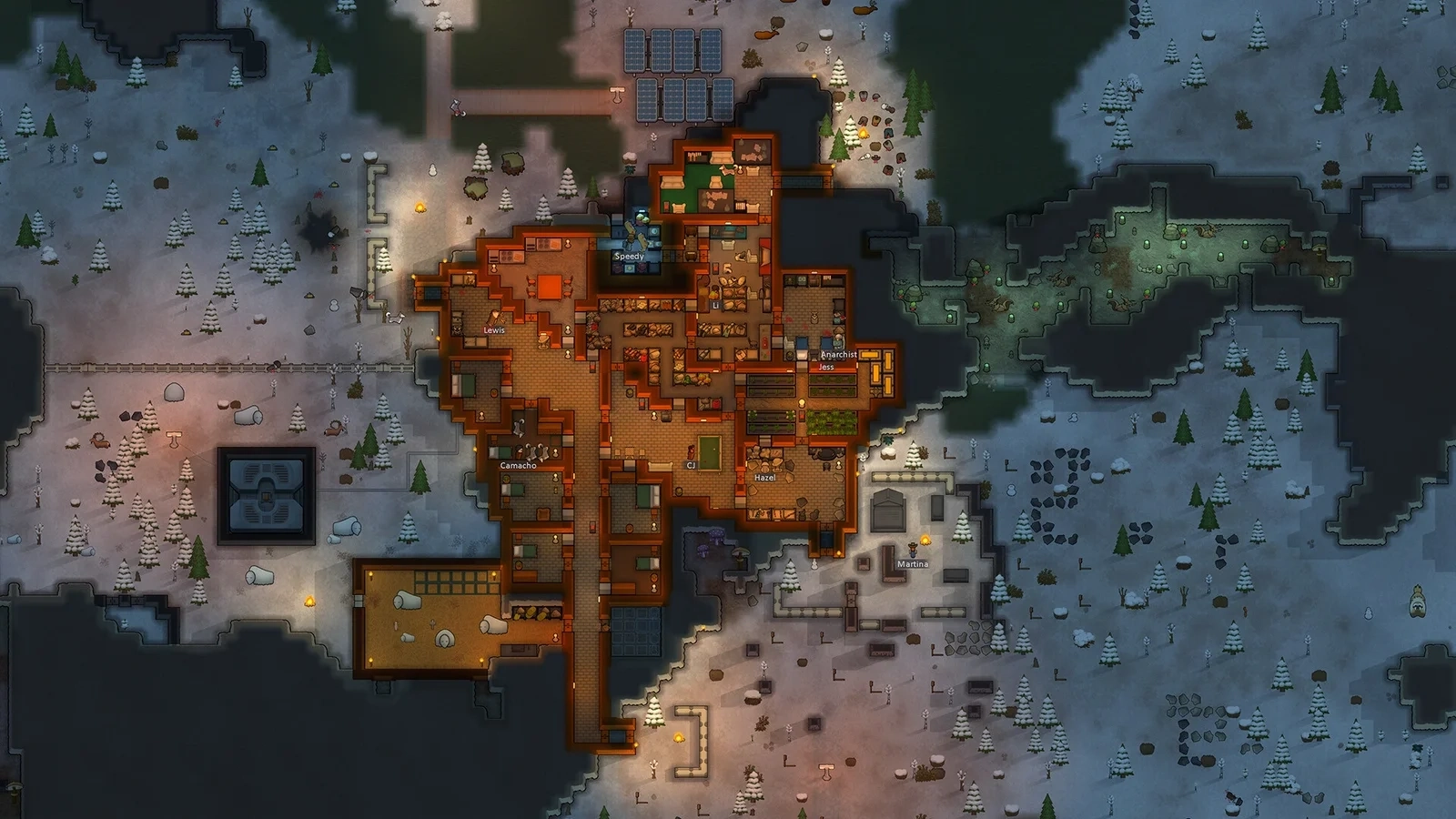
Read the roof overlay
Before removing walls, use the roof overlay to identify what covers the area and inspect the game’s information for the roof type. Do not assume a visible open room is roofless or that every overhead tile can be removed in the same way. Existing structure, overhead mountain and new construction require different planning, especially when a room is being repurposed.
Put support in place before removing it
Plan replacement support and complete it before removing the structure you rely on. Inspect the game’s support behaviour instead of guessing from a floor plan. Do not queue a broad demolition that can finish in an unsafe order. Break the work into stages and verify the actual built result between them; a blueprint does not yet support anything.
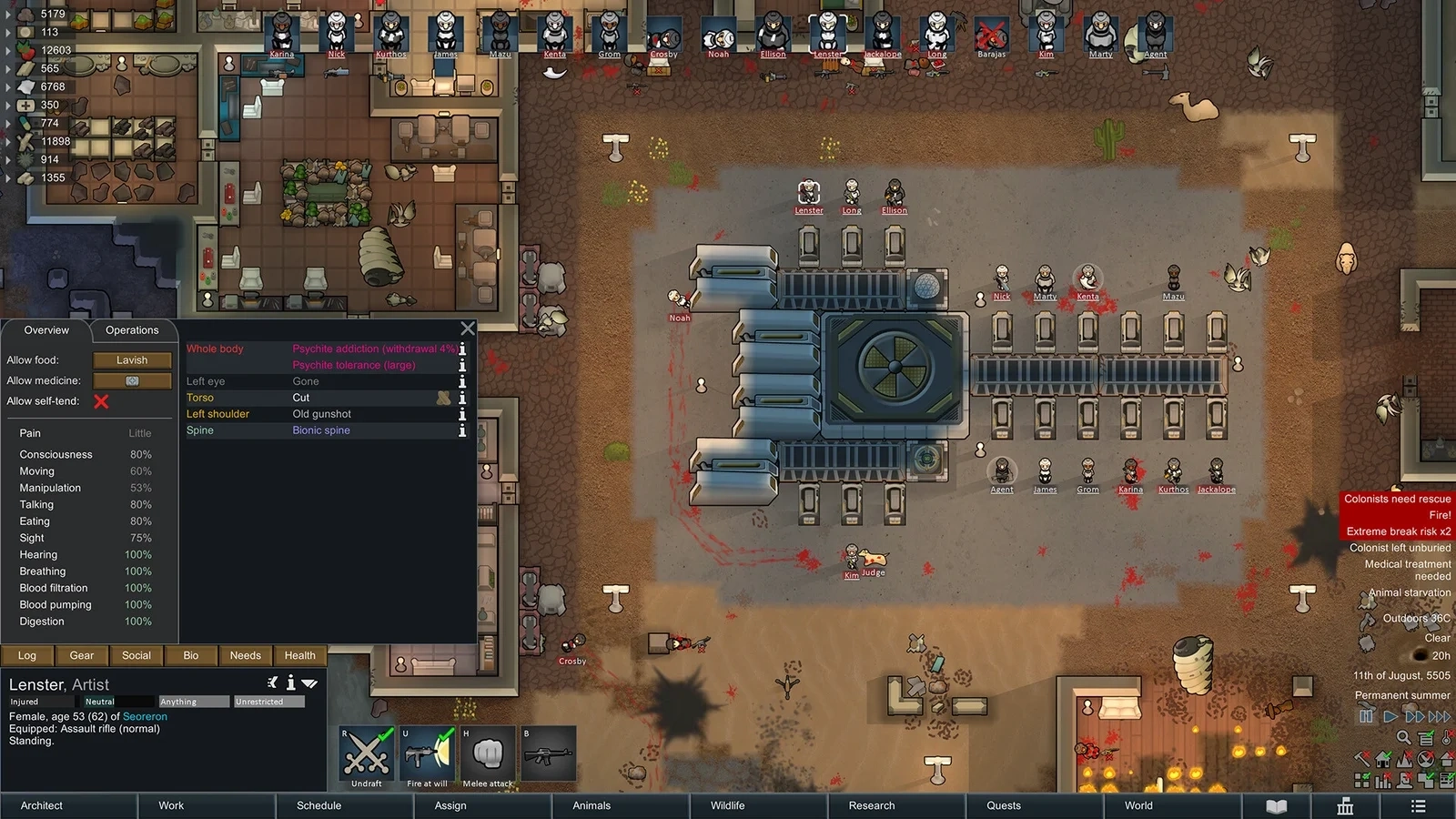
Keep the work area usable
Check colonist access, stored items and activities in the renovation area. Move routine work elsewhere when appropriate so a demolition site is not also the colony’s busiest corridor. Watch what the builders actually do after each stage. A safe-looking final plan does not make every intermediate state safe, particularly when several pawns complete orders in a different sequence.
Example: enlarge a room in stages
For an illustrative renovation, identify the old support, build the new enclosure and support, inspect it, then remove only the intended old section. Recheck roof coverage and room conditions before restoring storage or production. This is a process example without an invented collapse radius. Verify exact support rules in the current game, including any mod changes, before undertaking structural work.
Plan the intermediate construction states
Check three actual map states: the original room, completed replacement support, and the room after one old segment is removed. At every stage, identify roof support and a builder's exit. A plan that becomes safe only after all orders finish is missing a step. Several builders can complete work in a different order from your imagined sequence. Release only the demolition segment already checked, inspect the result, then continue. This keeps an unfinished support visible rather than burying it inside a large queue of unrelated construction.
Keep work access through the final tile
Inspect nearby stockpiles, workstations and doors. Move vulnerable supplies or temporarily suspend the affected workflow when necessary so routine deliveries do not keep crossing the work area. Preserve an exit that remains usable after the next wall finishes. After each stage, inspect roof coverage and the room boundary on the map. The order list is not proof of completion. If the freezer warms during renovation, check whether enclosure changed before adjusting its cooler. Restore ordinary work only after confirming that the finished stage still has the intended support and access.
Identify roof types and changed rules
Read the current information for constructed roofing, natural thin roofing and overhead mountain. A remove-roof order does not prove every overhead material can be removed. Mods may change support and building behavior; consult the relevant description if a vanilla tutorial conflicts with the map. Make a small verified stage before altering an occupied room with unusual terrain or expansion structures. This guide supplies a construction sequence, not an invented collapse radius. If the actual game feedback does not confirm the support you planned, stop demolition and resolve that discrepancy first.
Worked decision example
Illustrative expansion: complete the outer wall and verified support, inspect the roof overlay, then remove a single old wall segment. Confirm the new boundary and exit before continuing. If the last construction tile becomes unreachable, repair access first. Judge heating and cooling capacity only after the new enclosure is complete.
Scope and evidence
Check your installed build, platform and available features. Historical announcements explain their stated version; practical examples are illustrative, not claimed playtests.
Next time you play
- Inspect the roof type.
- Build replacement support first.
- Inspect each intermediate stage.
Selected official references
- Official Steam product record ↗Collected on November 16, 2026
- RimWorld official overview ↗Collected on November 16, 2026
- Official FAQ ↗Collected on November 16, 2026
A source is not a promise that an old feature is unchanged. Follow the current in-game description when details differ.